
Desktop download
macOS
Release details have not been published yet.
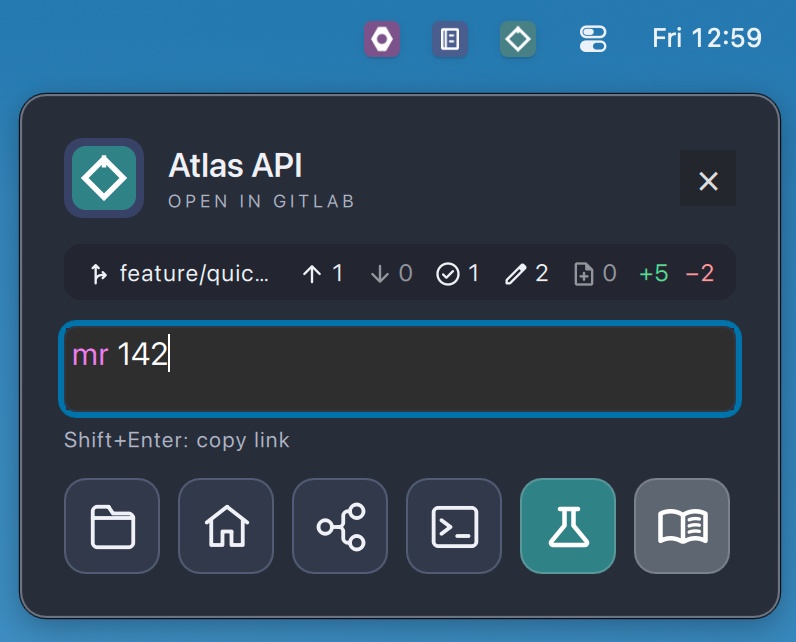
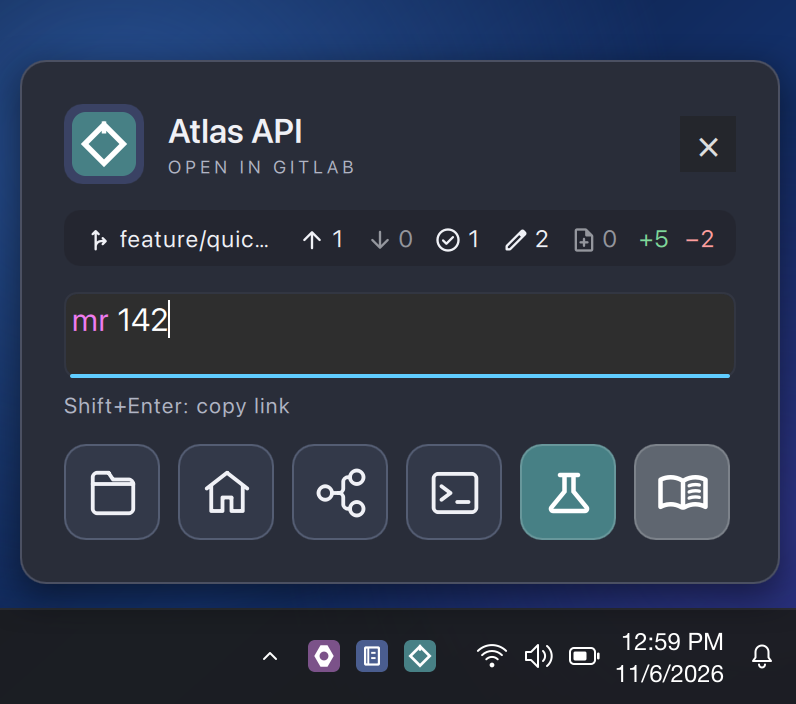
Download not yet availablePick a project icon, type an issue or pull request number, and open the right page—without digging through tabs.
What stays close
GitQuick is a focused launcher, not a second project-management system. The popup shows a little local context and keeps the routes and tools you already use within reach.
Branch, push and pull counts, and changed files, read from the project's local folder.
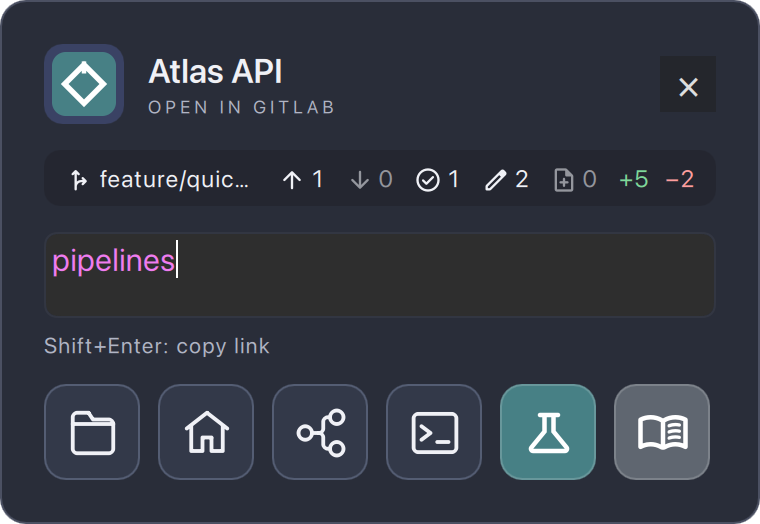
Words like pipelines, wiki, or mr are recognized as you type and routed for GitLab, GitHub, or Azure DevOps.
Shift+Enter copies the link rather than opening it.
The project's folder, home page, pipelines, a terminal, or actions you've added yourself.
Every project in one place

Quick Actions
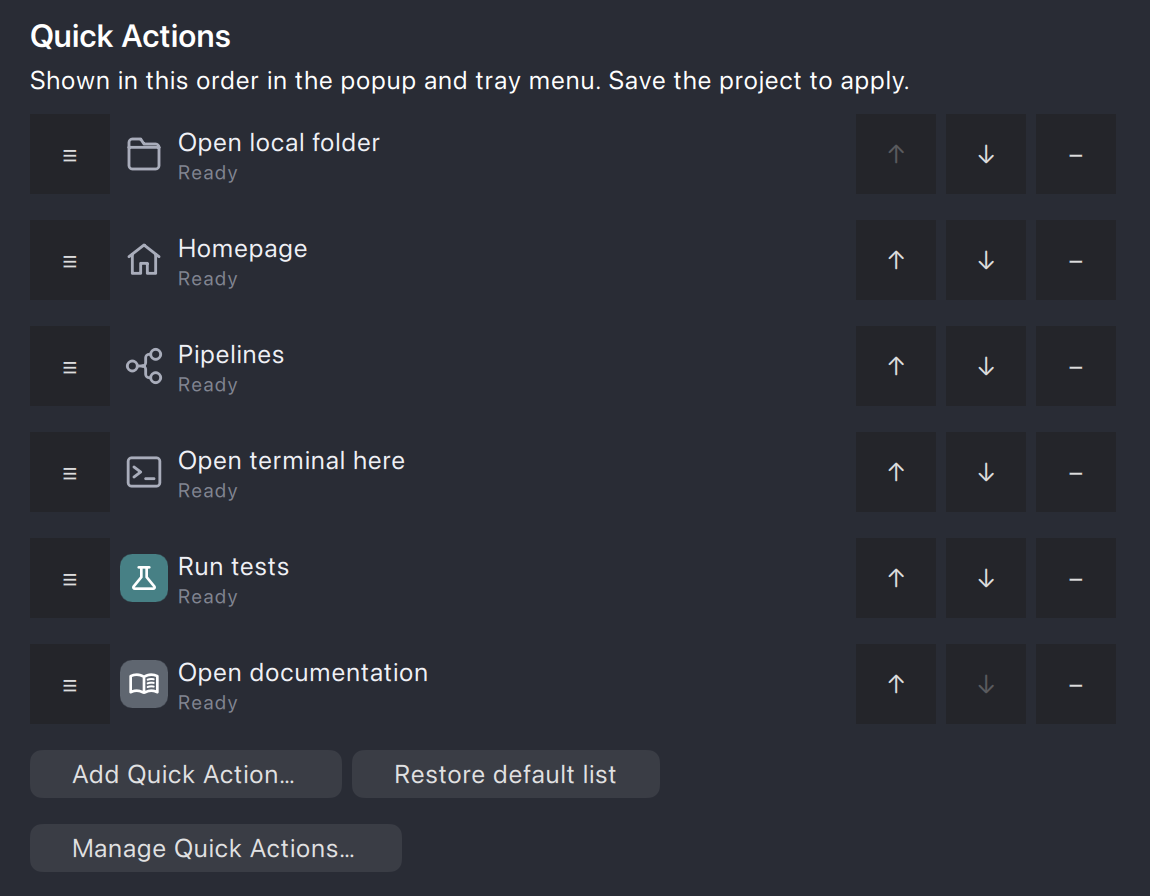
Quick Actions live in one shared library. Each project picks the ones it needs and their order, and they show up as buttons in its popup and as items in its tray menu.
Downloads
Desktop download
Release details have not been published yet.
Download not yet availableDesktop download
Release details have not been published yet.
Download not yet availableNo release manifest is present in this development build.